
Local SEO Strategies That Drive Leads
October 20, 2026
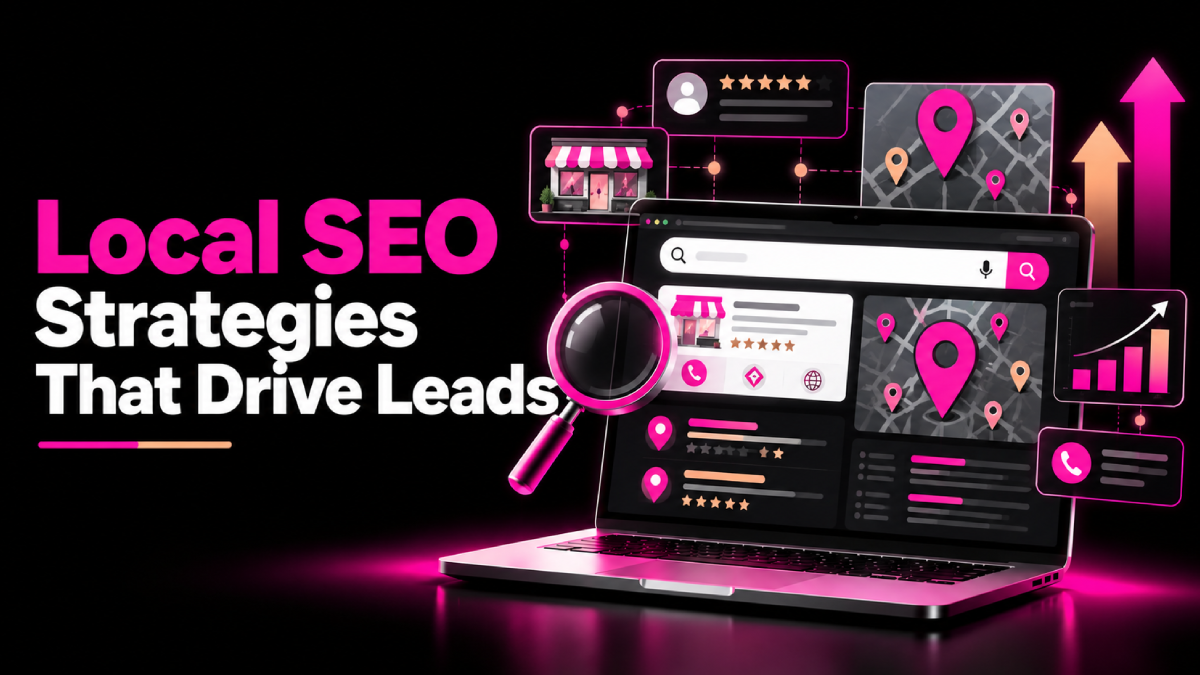
When customers need a nearby service, they often turn to Google to compare businesses, read reviews, check opening hours, and decide whom to contact. If your business does not appear for relevant local searches, you could miss valuable enquiries from people who are ready to buy.
The right local SEO strategies that drive leads can help your business become more visible to nearby customers and turn search traffic into calls, bookings, visits, and quote requests.
However, local SEO involves more than adding a city name to your website. You need accurate business information, relevant local content, a trustworthy online presence, and a clear path for customers to contact you.
In this guide, you’ll learn seven practical ways to improve local search visibility and generate more qualified leads without relying entirely on paid advertising.
What Is Local SEO and Why Does It Matter?
Local SEO helps businesses improve their visibility in search results for location-related queries. These searches may include a service and a city, such as “plumber in Chicago,” or a phrase such as “plumber near me.”
Google can display local results through its map-based results, business profiles, and traditional organic listings. The businesses shown depend on factors that include relevance, distance, and prominence.
Local SEO can help businesses:
- Reach customers actively searching for nearby services.
- Generate phone calls, appointment requests, and enquiries.
- Build credibility through reviews and accurate business information.
- Improve visibility for relevant local searches.
- Attract more qualified visitors to service and location pages.
Although rankings matter, focus on the business outcomes behind them. More relevant enquiries and customers provide a stronger measure of success than visibility alone.
7 Local SEO Strategies That Drive Leads
1. Optimize Your Google Business Profile
Your Google Business Profile helps eligible businesses appear in Google Search and Maps. A complete, accurate profile gives potential customers useful information when they compare local providers.
Start by claiming and verifying your profile, then review the following details:
- Business name: Use your real-world business name without adding unnecessary keywords.
- Primary category: Select the category that most accurately describes your main service.
- Services: Add relevant services where the profile supports them.
- Address or service area: Provide accurate information that follows Google’s eligibility guidelines.
- Contact details: Keep your phone number, website, and opening hours current.
- Photos: Upload genuine images that help customers understand your business.
- Business description: Explain what you offer in clear, natural language.
Where relevant, enable available booking, messaging, or enquiry features.
Do not create duplicate profiles or add keywords to your business name solely to influence rankings. Instead, maintain a complete profile that helps customers make informed decisions.
2. Target Local Keywords With Clear Search Intent
Local keyword research helps you identify the phrases potential customers use when looking for your services.
Begin with your core offerings, then explore how people combine those services with locations, problems, and buying questions.
For example, a roofing company might target queries such as:
- Roof repair in Austin
- Emergency roof repair near me
- Roof replacement cost in Austin
- Residential roofing contractor in Austin
Use Google Search Console, keyword research tools, and Google’s search suggestions to discover relevant opportunities.
Next, match each keyword group to the appropriate page. Use your main service page for broad service intent and dedicated location pages when each location has genuine, useful information.
Avoid creating dozens of near-identical city pages that simply swap location names. Each page should provide distinct value, such as local service details, project examples, availability, or customer information.
3. Create Useful Local Landing Pages
A well-designed location page can help customers understand whether your business serves their area and why they should choose you.
Include details that answer the questions a local customer is likely to have:
- Services available in that location.
- Areas served and any relevant coverage limitations.
- Genuine local projects, case studies, or testimonials.
- Clear contact information and calls to action.
- Frequently asked questions about your service.
- Links to related service pages.
For example, an HVAC company serving several cities could create a dedicated page for each meaningful service area, provided the company genuinely operates there and can offer useful local information.
Keep the content specific and accurate. Do not imply that you have a physical office in a city if you do not.
4. Build Trust With Genuine Customer Reviews
Reviews help potential customers compare businesses and understand other people’s experiences. They can also contribute to your business’s prominence in local search.
Develop a consistent process for requesting honest feedback from customers after a completed purchase or service.
You can:
- Send a polite follow-up email or message.
- Provide a direct link to your review profile.
- Explain that honest feedback helps your business improve.
- Respond professionally to positive and negative reviews.
- Identify recurring customer concerns and address them.
Avoid buying reviews, offering incentives in exchange for positive ratings, or selectively asking only satisfied customers to leave feedback when platform policies prohibit such practices.
When responding to a negative review, acknowledge the concern, protect the customer’s privacy, and offer an appropriate way to resolve the issue.
5. Keep Business Information Consistent
Your business name, address, phone number, and website details should be accurate wherever customers find them online.
Review your website, Google Business Profile, major business directories, industry listings, and relevant local associations.
Correct outdated phone numbers, incorrect addresses, duplicate listings, and inconsistent business details. Prioritize platforms that matter to your customers rather than submitting your information to every directory available.
Also ensure your website clearly displays the correct contact details and service information.
Consistency helps customers verify your business and reduces confusion. However, identical formatting across every website is not a guaranteed ranking factor, so focus on accuracy and usefulness.
6. Earn Relevant Local Links and Community Mentions
Local relationships can create opportunities for referral traffic, brand awareness, and relevant backlinks.
Look for genuine ways to participate in your community and industry.
Consider:
- Sponsoring relevant community events.
- Partnering with complementary local businesses.
- Contributing expert advice to local publications.
- Supporting legitimate community organizations.
- Sharing useful local research or resources.
- Joining relevant professional associations.
For example, a local interior design firm could collaborate with a reputable home renovation business on a practical home improvement guide.
Prioritize partnerships that provide real value. Avoid buying links or participating in link schemes purely to manipulate rankings.
7. Turn Local Website Traffic Into Leads
Visibility is only the beginning. Your website must make it easy for visitors to take the next step.
Review your main service and location pages for these conversion essentials:
- A clear headline that explains the service and location.
- A prominent phone number on mobile devices.
- A short enquiry or quote request form.
- Clear service descriptions and customer benefits.
- Genuine reviews, testimonials, or project examples.
- Visible opening hours and service availability.
- Clear calls to action such as “Request a Quote” or “Book an Appointment.”
Remove unnecessary form fields and explain what happens after someone submits an enquiry.
Track phone calls, form submissions, bookings, and qualified leads. Where possible, use appropriate analytics and call tracking while respecting privacy requirements.
This helps you identify which pages and local search campaigns generate valuable business outcomes.
How to Measure Local SEO Performance
Use Google Business Profile performance data, Google Search Console, and your website analytics to evaluate progress.
Monitor:
- Search impressions and clicks for relevant local queries.
- Business profile interactions, such as calls or website visits where reported.
- Enquiries, bookings, and qualified leads.
- Conversion rates for location and service pages.
- Rankings for relevant local searches in your target areas.
Review trends over time and account for seasonality, competition, and changes in customer demand. Do not judge success by a single ranking or an isolated increase in website visits.
Conclusion
The most effective local SEO strategies that drive leads combine accurate business information, relevant local keywords, helpful landing pages, genuine customer reviews, and a website designed to convert visitors.
Start by improving your Google Business Profile, then strengthen your most important service pages and build a consistent review process. Next, earn relevant local mentions and measure which activities produce qualified enquiries.
Local SEO takes ongoing effort, but a clear, customer-focused strategy can help your business build stronger local visibility and create more opportunities to turn nearby searches into real customers.
FAQs About Local SEO Strategies That Drive Leads
Quick answers related to this guide, and how SEOXREACH can help you apply them.
There is no fixed timeline. Results depend on your competition, business profile, website quality, service area, and existing online presence. Track enquiries and conversions alongside ranking improvements.
Yes. An eligible and well-maintained profile helps customers discover business information in Google Search and Maps. However, a complete profile does not guarantee a particular ranking.
Yes. Eligible service-area businesses can use Google Business Profile and location-relevant website content. Follow Google's rules for address visibility and service areas, and do not present a virtual office as a genuine customer-facing location.
Ready to Grow Organically?
Get a custom SEO strategy to increase your traffic, leads and revenue with SEOXREACH.
Get a Free SEO Audit →- More Traffic
- Higher Rankings
- Increase Revenue