
How to Convert Website Traffic Into Leads
October 24, 2026
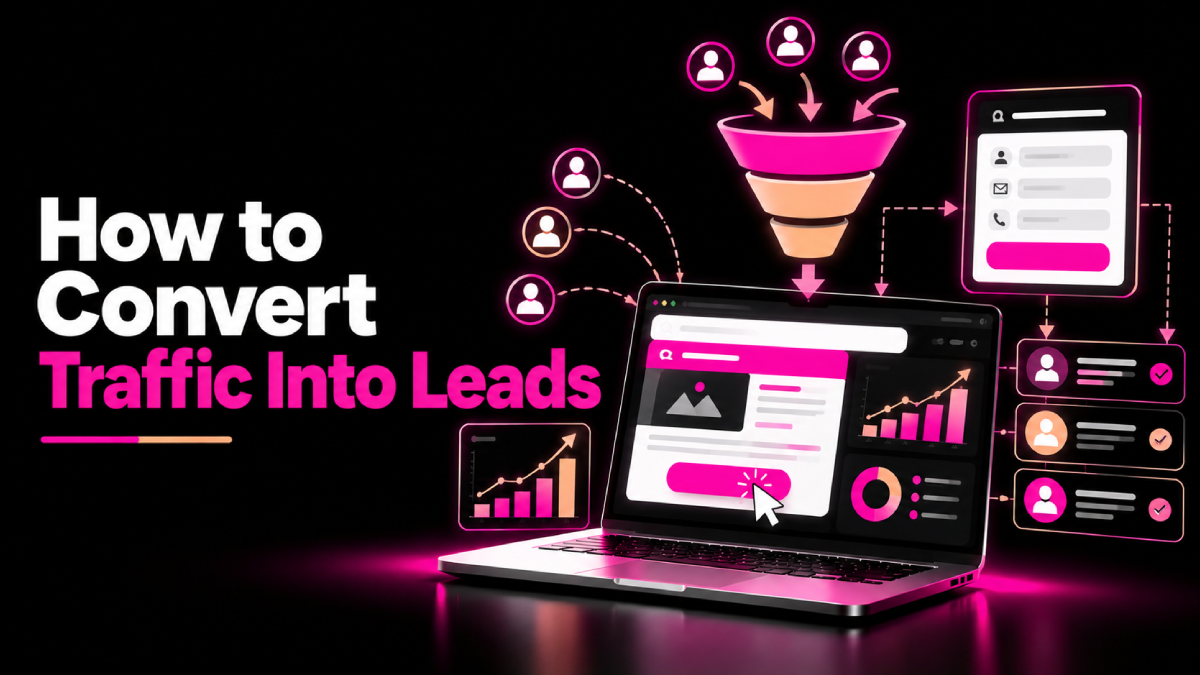
Getting visitors to your website is only half the job. If people read your content, browse your services, and leave without contacting you, your website may not be turning its traffic into business opportunities.
Learning how to convert traffic into leads starts with understanding what visitors need, why they arrive, and what would motivate them to take the next step.
Whether you run a small business, a B2B company, or a SaaS brand, the goal is the same: attract relevant visitors, build trust, and make it easy for potential customers to enquire.
This guide explains seven practical ways to improve website conversions, capture qualified leads, and measure the results of your efforts.
1. Attract the Right Website Visitors
Before improving conversion rates, make sure your website attracts people who are likely to need your products or services.
High traffic does not always mean high lead potential. For example, an article that attracts students researching a topic may generate visits without reaching buyers who can afford your service.
Start by reviewing your audience, search queries, and landing pages. Use Google Search Console to identify the queries that bring visitors to your website, then compare those queries with your business offerings.
Focus on these actions:
- Target keywords that reflect genuine customer needs.
- Create separate pages for informational and commercial search intent.
- Align page content with the promise made in search results.
- Avoid attracting irrelevant visitors with misleading titles.
- Review which landing pages generate qualified enquiries.
For more ideas, read SEOXREACH’s guide to proven ways to boost organic traffic, which covers practical approaches to improving organic search visibility.
2. Match Each Landing Page to Visitor Intent
Visitors arrive with different goals. Some want to learn about a problem, while others are comparing providers or preparing to make a purchase.
Your landing page should address the visitor’s immediate need rather than forcing everyone through the same sales message.
For example:
- An educational blog can offer a relevant checklist or guide.
- A comparison page can explain differences between solutions.
- A service page can describe deliverables, the process, and expected next steps.
- A product page can provide clear pricing, features, and purchase information.
Make the main purpose of each page obvious. Use a descriptive headline, explain the value of your offer, and place the most relevant call to action where visitors can find it easily.
When you align the page with the visitor’s intent, you reduce confusion and make the next step feel more natural.
3. Create Clear Calls to Action
A call to action (CTA) tells visitors what they can do next. Without a clear CTA, interested users may leave because they do not know how to proceed.
Choose wording that describes a specific action and its benefit.
Examples include:
- Request a Quote
- Book a Consultation
- Get a Free Website Audit
- Download the Checklist
- Start Your Free Trial
Match the CTA to the commitment required. Someone reading an introductory article may prefer a free resource, while a visitor on a service page may be ready to request a consultation.
Place CTAs near relevant information, such as after explaining a problem or presenting a solution. Make buttons easy to identify on desktop and mobile devices.
Avoid filling every section with competing offers. One clear primary action, supported by a suitable secondary option, often creates a more focused experience.
4. Offer Something Valuable in Exchange for Contact Details
Some visitors need more information before they are ready to speak with your sales team. A useful lead magnet can give them a reason to share their contact details.
Choose a resource that solves a specific problem your audience faces.
For example, a digital marketing agency might offer an SEO audit checklist, a keyword research template, or a website conversion review. A SaaS company might offer a product demo, implementation guide, or industry-specific template.
A strong lead magnet should:
- Address a relevant audience problem.
- Deliver a clear and practical benefit.
- Be easy to access and use.
- Connect naturally to your products or services.
- Provide a logical next step after sign-up.
Keep the offer focused. A short, useful checklist can be more appealing than a long ebook that takes considerable time to read.
Explain what users will receive and how you will use their information. Obtain appropriate consent for marketing communications and follow applicable privacy requirements.
5. Build Trust Before Asking for a Lead
Visitors are more likely to enquire when they understand what your business does and have reasons to trust it.
Your website should answer common questions about your experience, services, process, and credibility.
Strengthen trust by including:
- Clear service descriptions and business contact details.
- Genuine customer testimonials and reviews.
- Relevant case studies with verifiable results.
- Author credentials and useful expert insights.
- Transparent pricing or an explanation of how quotes work.
- Secure forms and a clear privacy notice.
For B2B companies, case studies can be especially helpful because decision-makers often need evidence before recommending a provider internally.
Do not invent reviews, customer logos, certifications, or performance statistics. If you cannot publish a customer’s name, explain the project accurately without revealing confidential information.
Trust is not created by one badge or testimonial. It comes from consistent, transparent information across the customer journey.
6. Simplify Forms and Improve the Mobile Experience
A complicated form can stop an interested visitor from becoming a lead. Ask only for information you genuinely need at that stage.
For an initial enquiry, you might request a name, business email, website, and a short description of the visitor’s needs. Add other fields only when they help qualify the lead or support an essential business process.
Improve form usability by:
- Using clear field labels and helpful instructions.
- Making error messages easy to understand.
- Reducing unnecessary required fields.
- Ensuring buttons work on mobile devices.
- Confirming successful submissions.
- Explaining when the visitor can expect a response.
Also check mobile navigation, page loading speed, text readability, and button spacing. Visitors should be able to contact your business without zooming, struggling with menus, or repeatedly entering information.
Use analytics and user testing to identify friction rather than assuming that a shorter form always produces better leads.
7. Measure Conversions and Improve What Works
Conversion optimization works best when you measure actual outcomes instead of relying on assumptions.
Set up appropriate conversion tracking for actions such as enquiry submissions, demo bookings, calls, purchases, and downloads.
Use analytics tools to evaluate landing-page performance and identify where visitors leave the journey. Connect your CRM to your reporting process where possible so you can distinguish qualified leads from enquiries that never become sales opportunities.
Track metrics such as:
- Conversion rate: The percentage of visitors who complete a defined action.
- Qualified leads: Enquiries that meet your business criteria.
- Lead-to-customer rate: The share of leads that become paying customers.
- Cost per lead: The marketing cost associated with generating a lead.
- Revenue contribution: The sales value associated with your marketing activity.
For example, a landing page may generate fewer enquiries than another page but produce more qualified prospects. That page may create greater business value despite its lower raw conversion count.
Test one meaningful change at a time when possible. Compare results over a suitable period and account for traffic quality, seasonality, and sample size before deciding whether a change worked.
Conclusion
Knowing how to convert traffic into leads means treating your website as more than a source of visits. Every important page should answer a relevant question, build confidence, and give visitors a clear next step.
Start by attracting the right audience, matching landing pages to visitor intent, and improving your calls to action. Then strengthen trust, simplify forms, and measure qualified leads alongside traffic and conversion rates.
With consistent testing and a focus on real customer needs, you can turn more relevant website visits into meaningful business opportunities.
FAQs About How to Convert Website Traffic Into Leads
Quick answers related to this guide, and how SEOXREACH can help you apply them.
Attract relevant visitors, match landing pages to their intent, offer clear calls to action, build trust, simplify enquiry forms, and measure conversions. Improve the steps that create the most friction.
There is no universal conversion rate that suits every website. Results vary by industry, traffic source, offer, audience, and the action being measured. Compare your performance over time and against relevant benchmarks.
No. Lead magnets can work well for visitors who need more information, but service pages can generate leads directly through quote requests, consultations, or demo bookings. Choose the offer that best matches visitor intent.
Target relevant search intent, explain your ideal customer fit, and ask appropriate qualifying questions. Track lead quality through your CRM rather than measuring success by form submissions alone.
SEO attracts visitors through relevant search queries, but conversion depends on what happens after they arrive. Helpful content, strong service pages, trust signals, and clear calls to action help connect organic traffic with business outcomes.
Google Analytics can help measure website activity and configured conversion events. Google Search Console provides search performance data, while a CRM can track lead qualification, sales opportunities, and customer outcomes.
Ready to Grow Organically?
Get a custom SEO strategy to increase your traffic, leads and revenue with SEOXREACH.
Get a Free SEO Audit →- More Traffic
- Higher Rankings
- Increase Revenue