
SEO Audit Checklist for Sustainable Growth
October 31, 2026
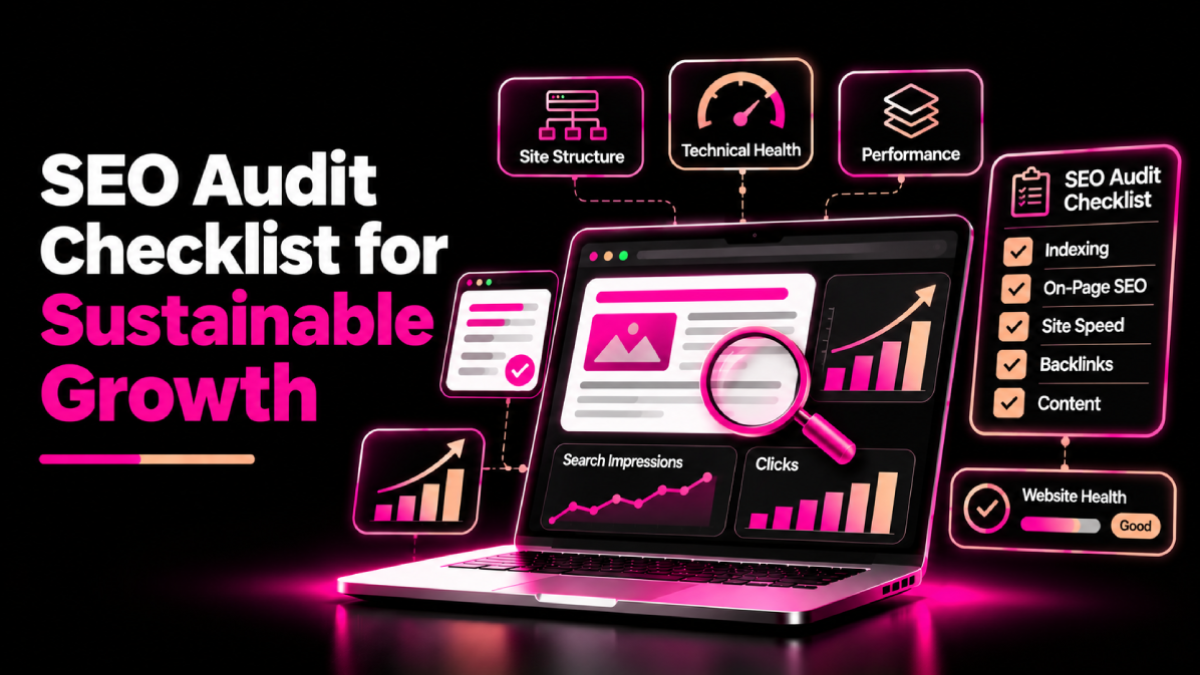
Your website may attract visitors but still struggle to generate leads, sales, or consistent search visibility. Sometimes, the problem is not your content strategy. It may come from technical errors, weak internal links, outdated pages, or missed search opportunities.
An SEO audit checklist for growth helps you identify these problems, prioritize improvements, and build a clear plan for better organic performance.
Whether you manage a small business website, a SaaS platform, or an eCommerce store, a structured SEO audit can help you understand what works, what needs attention, and where to invest your time. However, an audit does not guarantee rankings. Its value comes from finding meaningful issues and fixing them in the right order.
What is an SEO Audit?
An SEO audit is a systematic review of your website’s technical health, content, on-page optimization, internal links, backlink profile, and search performance.
The goal is to understand whether search engines can discover and index important pages, whether your content meets user needs, and whether your website supports business goals.
A useful audit answers three questions:
- Can search engines access and understand my important pages?
- Does my content satisfy the needs of my target audience?
- Which improvements offer the greatest potential business value?
Start with Google’s SEO Starter Guide to understand the fundamentals before making major changes.
The Complete SEO Audit Checklist for Growth
1. Check Crawling and Indexing
Search engines need to discover and process your pages before they can appear in organic search results. Therefore, begin by checking whether important pages are accessible and eligible for indexing.
Review these items:
- Confirm that important pages return the correct HTTP status codes.
- Check Google Search Console for indexing issues.
- Review your
robots.txtfile for unintended crawling restrictions. - Check pages for accidental
noindexdirectives. - Submit an accurate XML sitemap.
- Review canonical tags on duplicate or similar URLs.
- Identify redirect chains, broken pages, and incorrect redirects.
- Ensure important pages receive internal links.
Use Google Search Console to investigate indexing reports and inspect individual URLs.
Do not try to index every URL on your website. Prioritize useful, canonical pages that deserve to appear in search results.
2. Review Website Structure and Internal Links
A clear website structure helps visitors find information and helps search engines discover relationships between pages.
Check that:
- Your navigation reflects the main sections of your website.
- Important service, product, and category pages are easy to reach.
- Related pages link to one another naturally.
- Anchor text describes the destination accurately.
- No important page depends entirely on a sitemap for discovery.
- Broken internal links are repaired.
- Unnecessary redirect hops are removed where practical.
For example, a page about technical SEO can link to a related guide about Core Web Vitals. This gives readers a relevant next step and creates a useful connection between related topics.
For larger websites, review SEOXREACH site architecture services to understand how page organization and internal linking can support a stronger SEO foundation.
3. Audit On-Page SEO Elements
On-page optimization helps users and search engines understand each page’s purpose. Review your most important URLs individually rather than applying the same changes to every page.
Use this checklist:
- Write a unique, descriptive title tag.
- Create a clear H1 that reflects the page topic.
- Organize major sections with logical H2 and H3 headings.
- Write a relevant meta description.
- Use the primary keyword naturally where it fits.
- Include related terms when they help explain the subject.
- Optimize image sizes and descriptive alt text.
- Use concise, meaningful URLs where practical.
- Remove repetitive or unnecessary content.
- Make calls to action clear on commercial pages.
Avoid keyword stuffing and fixed keyword-density targets. Focus on relevance, clarity, and usefulness.
4. Evaluate Content Quality and Search Intent
A technically sound page can still underperform when it does not answer the question users want to solve.
Review your content for:
- Alignment with the target keyword’s search intent.
- Accurate, current, and useful information.
- Original examples, insights, or practical guidance.
- Clear explanations supported by reliable sources.
- Overlapping pages that target the same search intent.
- Outdated information that needs revision.
- Content that attracts traffic but does not serve a clear audience need.
Use Search Console to find pages with impressions but limited clicks, declining traffic, or queries that do not match the page’s purpose.
Improve content when you can make it more useful. Do not rewrite a page simply because a tool gives it a low content score.
Google’s helpful content guidance is a useful reference for evaluating whether your pages provide genuine value to readers.
5. Measure Website Speed and Core Web Vitals
Slow pages and unresponsive interfaces can frustrate visitors and make important actions harder to complete. Review performance on both mobile and desktop.
Check:
- Largest Contentful Paint (LCP) is 2.5 seconds or less.
- Interaction to Next Paint (INP) is 200 milliseconds or less.
- Cumulative Layout Shift (CLS) is 0.1 or less.
- Large images are appropriately sized and compressed.
- Unnecessary scripts and third-party resources are reduced.
- Important content loads without avoidable delays.
- Forms, menus, and buttons respond correctly.
These Core Web Vitals thresholds represent Google’s good-performance targets at the 75th percentile. Use PageSpeed Insights and Search Console to investigate issues.
Performance improvements should support a better user experience. A perfect lab score alone does not guarantee higher rankings.
6. Review Backlinks and Off-Page SEO
Backlinks can help people discover your content and provide context about relationships between websites. However, link quality and relevance matter more than arbitrary backlink totals.
Review the following:
- Identify relevant websites that link to your pages.
- Check whether important backlinks lead to working URLs.
- Investigate lost links to valuable resources.
- Look for unlinked brand mentions where a link would help readers.
- Identify relevant industry publications and partnership opportunities.
- Review suspicious link patterns and possible link spam.
- Avoid buying links to manipulate rankings.
Use Google Search Console’s Links report or a reputable backlink analysis tool to investigate your link profile. Treat third-party authority and toxicity scores as estimates, not direct Google ranking metrics.
7. Check Mobile Usability and Website Experience
Visitors should be able to navigate your website and complete important tasks regardless of screen size.
Test your main pages on different devices and check that:
- Text remains readable without unnecessary zooming.
- Navigation menus work properly.
- Buttons and links are easy to tap.
- Forms work from start to submission.
- Images and embedded elements fit the screen.
- Important content remains available on mobile.
- Pop-ups do not obstruct essential information.
- Contact details and conversion paths are easy to find.
Prioritize problems that prevent users from understanding your content or completing a key action.
8. Verify Structured Data and Website Security
Structured data can help search engines understand eligible content and may support enhanced search appearances. It does not guarantee rich results or higher rankings.
Check that:
- Structured data matches the visible page content.
- Markup follows Google’s supported guidelines.
- Important pages use HTTPS.
- Redirects from HTTP to HTTPS work correctly.
- Canonical URLs use the preferred protocol and hostname.
- Security warnings and mixed-content problems are resolved.
Use Google’s structured data documentation and the Rich Results Test to validate eligible markup.
9. Review Analytics and Conversion Performance
Organic traffic matters, but it should support a business goal. Connect your SEO audit to meaningful outcomes such as qualified enquiries, purchases, registrations, or bookings.
Review:
- Organic clicks and impressions.
- Landing pages gaining or losing search visibility.
- Search queries attracting relevant visitors.
- Engagement and conversion trends in your analytics platform.
- Lead or sales performance by landing page.
- Changes following significant website updates.
- Opportunities to improve calls to action and page journeys.
For example, if a service page attracts relevant visitors but generates few enquiries, review its messaging, proof points, form usability, and calls to action before assuming the problem is rankings.
How to Prioritize SEO Audit Findings
An audit can produce a long list of recommendations. Fixing everything at once is rarely practical, so prioritize issues by impact, urgency, and implementation effort.
| Priority | Examples | Recommended action |
|---|---|---|
| High | Important pages blocked from indexing, broken conversion paths | Investigate and fix promptly |
| Medium | Weak internal links, outdated high-value content | Plan targeted improvements |
| Lower | Minor metadata refinements, cosmetic issues | Address when resources allow |
Treat this as a starting framework rather than a universal ranking system. The right priority depends on your website, audience, and business goals.
Conclusion
A structured audit helps you move beyond guesswork and make informed SEO decisions. Review crawlability, indexability, site structure, content, on-page elements, backlinks, performance, and conversions. Then fix the most important issues first and measure the results over time. Use this SEO audit checklist for growth as a repeatable process to strengthen your website, uncover opportunities, and support sustainable organic performance.
FAQs About SEO Audit Checklist for Sustainable Growth
Quick answers related to this guide, and how SEOXREACH can help you apply them.
Review SEO performance regularly and conduct a more comprehensive audit at planned intervals or after major redesigns, migrations, and technical changes. Investigate significant traffic or indexing changes as they occur.
Google Search Console and PageSpeed Insights are useful starting points. Depending on your website, you may also need a crawler, analytics platform, and backlink analysis tool.
The time depends on website size, complexity, and the depth of analysis. A small business website may need a shorter review, while a large eCommerce website may require more extensive crawling, template analysis, and prioritization.
An audit can uncover problems and opportunities that support better search performance. Rankings may improve after effective fixes, but results depend on competition, content quality, technical factors, and other ranking systems.
Start with issues that prevent important pages from being crawled, indexed, or used correctly. Then prioritize major content gaps, broken user journeys, and performance problems according to their likely impact.
Yes. An early audit can help identify indexing, navigation, content, and performance problems before the site grows. It also provides a baseline for measuring future progress.
Ready to Grow Organically?
Get a custom SEO strategy to increase your traffic, leads and revenue with SEOXREACH.
Get a Free SEO Audit →- More Traffic
- Higher Rankings
- Increase Revenue