
How to Fix Technical SEO Errors
November 1, 2026
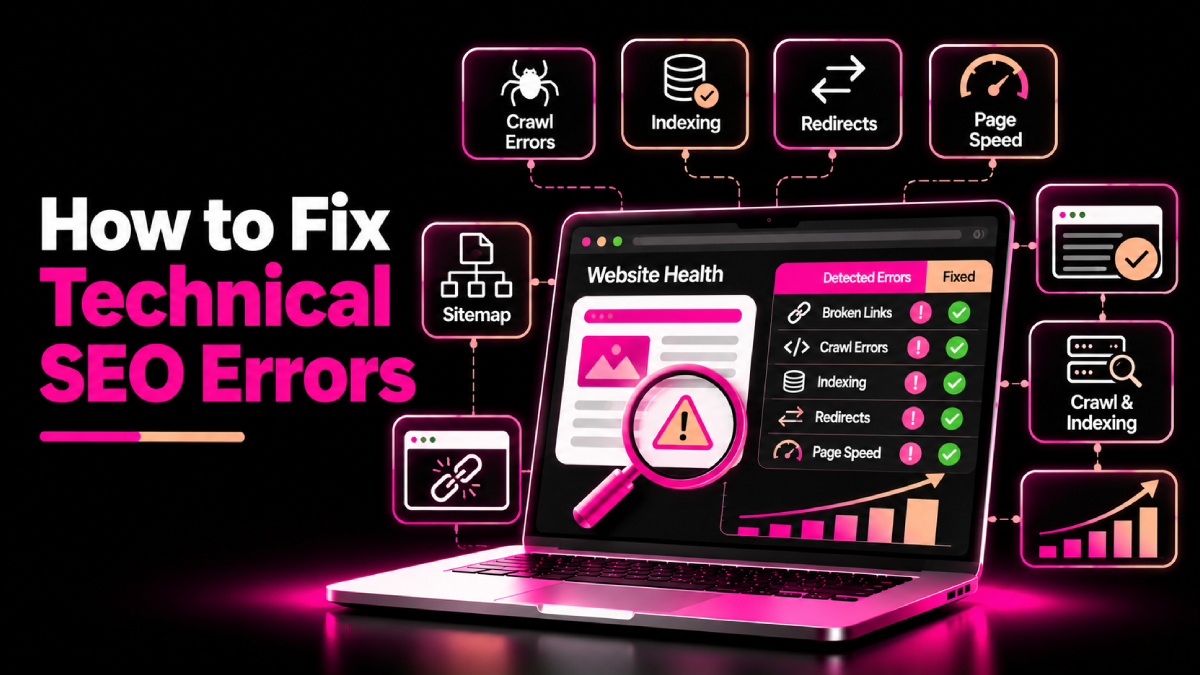
Your website may have useful content and relevant keywords but still struggle to appear in search results. Technical problems can prevent search engines from accessing important pages, understanding your website structure, or processing content correctly.
Learning how to fix technical SEO errors helps you identify these problems, restore essential functionality, and build a stronger foundation for organic growth.
You do not need to fix every warning from an SEO tool immediately. Instead, focus on issues that affect important pages, investigate their root causes, and verify each fix before moving forward. This guide explains the most common technical SEO errors and how to resolve them.
What Are Technical SEO Errors?
Technical SEO errors occur when website configuration, code, page delivery, or internal structure creates problems for search engine crawling, indexing, or user experience.
Common examples include blocked pages, broken links, redirect loops, incorrect canonical tags, slow-loading pages, and invalid structured data.
Google’s SEO Starter Guide explains the fundamentals of helping search engines discover and understand website content.
How to Fix Technical SEO Errors Step by Step
1. Fix Crawling and Indexing Problems
Search engines need to access and process eligible pages before they can show them in search results. Start by reviewing your most important URLs in Google Search Console.
How to fix the problem:
- Open the Page indexing report in Google Search Console.
- Identify important URLs that are not indexed.
- Use URL Inspection to investigate individual pages.
- Check for accidental
noindexdirectives or crawling restrictions. - Confirm that pages return the correct HTTP status codes.
- Resolve the underlying issue, then request indexing when appropriate.
Check your robots.txt file for rules that unintentionally block important resources. Remember that robots.txt controls crawling, while a noindex directive controls indexing when a crawler can access the page and read that directive.
Not every excluded URL needs a fix. Duplicate pages, redirects, and intentionally private pages may be excluded for valid reasons.
2. Repair Broken Links and Incorrect Redirects
Broken links frustrate visitors and can make important pages harder to discover. Incorrect redirects can also send users and crawlers to the wrong destination.
Review your website for:
- Internal links returning 404 errors
- Redirect chains with unnecessary steps
- Redirect loops that prevent pages from loading
- Redirects pointing to irrelevant destinations
- Important external links that no longer work
How to fix these errors:
- Update broken internal links to valid, relevant pages.
- Restore a deleted page if users still need its content.
- Redirect a permanently moved page to its closest relevant replacement.
- Remove unnecessary redirect hops.
- Correct redirect rules that create loops.
Do not redirect every deleted URL to your homepage. If no relevant replacement exists, returning an appropriate 404 or 410 status may be more suitable.
3. Correct Canonical Tag Errors
Canonical tags help search engines identify the preferred version of similar or duplicate URLs. Incorrect settings can create conflicting signals about which page should appear in search results.
For example, your website might have several URLs that display substantially similar content because of tracking parameters or filtering options.
To resolve canonical issues:
- Identify duplicate or near-duplicate URLs.
- Decide which version should serve as the preferred page.
- Check the canonical tag in each relevant page’s HTML.
- Ensure internal links and XML sitemaps generally point to the preferred URL.
- Review redirects and other signals for consistency.
Use URL Inspection to compare Google’s selected canonical with your declared canonical when the information is available.
Do not automatically canonicalize every similar page to one URL. Pages with distinct purposes and valuable independent content may need separate canonical URLs.
4. Improve Core Web Vitals and Page Speed
Slow loading, delayed interactions, and unexpected layout shifts can make your website harder to use. Although performance scores do not guarantee rankings, improving them can support a better user experience.
Google’s good Core Web Vitals targets are:
- LCP: 2.5 seconds or less
- INP: 200 milliseconds or less
- CLS: 0.1 or less
Use PageSpeed Insights to investigate performance issues and review available field data.
Practical fixes include compressing large images, reducing unnecessary JavaScript, improving server response times, reserving space for images and embeds, and removing scripts that block important interactions.
For additional guidance, review the SEOXREACH Core Web Vitals service.
5. Resolve XML Sitemap and Robots.txt Issues
An XML sitemap helps search engines discover important URLs, while robots.txt provides rules about which paths crawlers may access.
Check that:
- Your sitemap contains canonical URLs that you want indexed.
- URLs in the sitemap return successful responses.
- Redirected and removed URLs are excluded where appropriate.
- Your sitemap is accessible and submitted through Search Console.
robots.txtdoes not accidentally block important pages or resources.- Sitemap locations declared in
robots.txtare correct.
A sitemap does not guarantee indexing, and a robots.txt file does not guarantee that a URL will stay out of search results. Use each file for its intended purpose.
6. Fix Mobile and Structured Data Problems
Your pages should work well on mobile devices, with readable content, functional navigation, and accessible forms. Check your main page templates on different screen sizes and repair layout or interaction problems.
Next, review structured data. Incorrect markup may prevent a page from qualifying for supported rich results.
Use Google’s structured data documentation and the Rich Results Test to validate eligible markup.
Make sure structured data matches the visible page content. Do not add unsupported properties or mark up information that users cannot find on the page.
7. Find and Fix Internal Linking Issues
Important pages should have clear paths from other relevant pages on your website.
Audit your internal links for orphaned pages, broken destinations, vague anchor text, and excessive reliance on navigation or sitemaps alone.
To improve internal linking:
- Link related guides and service pages where useful.
- Use descriptive anchor text.
- Ensure important pages are reachable through normal site navigation.
- Remove links to obsolete or incorrect URLs.
- Keep the website structure logical and easy to navigate.
For more guidance, explore SEOXREACH site architecture services.
How to Prioritize Technical SEO Fixes
When an audit identifies many issues, prioritize them based on business impact, affected URLs, and implementation effort.
| Priority | Example | First action |
|---|---|---|
| High | Important pages blocked from indexing | Investigate and resolve promptly |
| Medium | Broken internal links or incorrect canonicals | Correct affected URLs and verify |
| Ongoing | Performance improvements and minor markup issues | Schedule, test, and monitor |
Before deploying changes, back up your website or use a staging environment when possible. Afterward, test the affected URLs and monitor Search Console for changes.
Conclusion
Technical problems can make it harder for search engines to discover and understand your website, but you can address many of them through systematic diagnosis and testing. Check crawling, indexing, redirects, canonicals, sitemaps, performance, structured data, and internal links. By understanding how to fix technical SEO errors, you can resolve meaningful issues, improve website usability, and build a more reliable foundation for long-term organic growth.
FAQs About How to Fix Technical SEO Errors
Quick answers related to this guide, and how SEOXREACH can help you apply them.
Common issues include indexing restrictions, broken links, incorrect redirects, canonical conflicts, sitemap problems, poor page performance, and invalid structured data.
Google Search Console, PageSpeed Insights, browser developer tools, and website crawlers can help diagnose different problems. Choose tools based on the issue rather than relying on one audit score.
Simple fixes may take minutes, while complex problems involving migrations, templates, or server configuration can take longer. The timeline depends on the root cause and your website's architecture.
Yes. Some errors can prevent important pages from being crawled or indexed, while other issues may affect usability. However, not every warning affects rankings, so evaluate each issue before making changes.
Review Search Console and performance data regularly. Conduct a more detailed technical audit after redesigns, migrations, major platform updates, or significant changes in organic performance.
No. Some warnings are informational, expected, or irrelevant to your website. Prioritize issues that affect important pages, search accessibility, user experience, or business outcomes.
Ready to Grow Organically?
Get a custom SEO strategy to increase your traffic, leads and revenue with SEOXREACH.
Get a Free SEO Audit →- More Traffic
- Higher Rankings
- Increase Revenue